






Esusu app Q&A
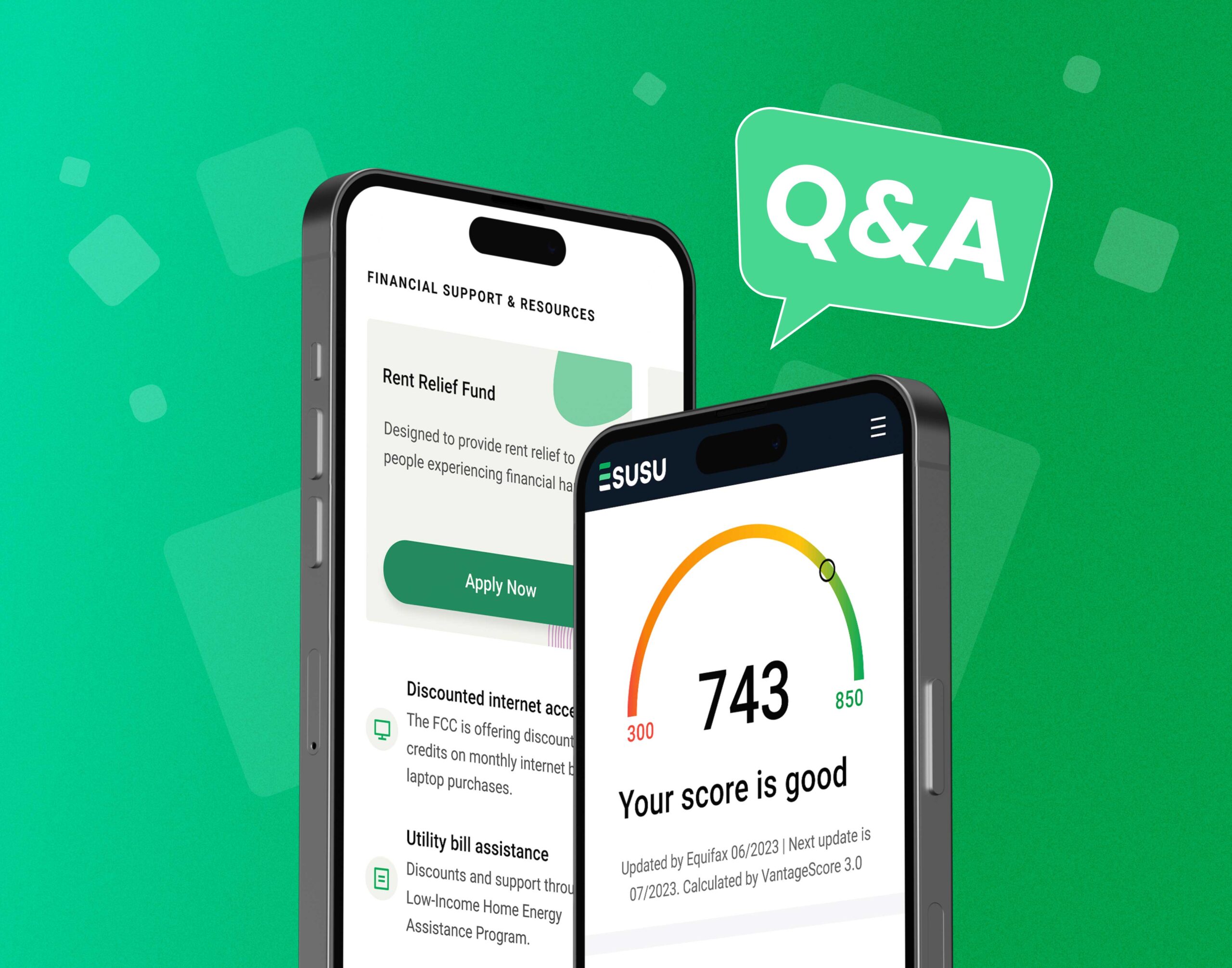
The Esusu app gives renters a place to check credit progress, view rent reporting history, and access financial tools and resources connected to their Esusu experience. Want to learn more about the portal and how it works? Here are answers to some common questions from renters.
Q: How do I sign up for the Esusu app?
A: You can create an account through the Esusu app sign-up flow here. If your property is partnered with Esusu, you can use your account to track credit score progress, view rent reporting activity, and access additional renter resources. If your property is not partnered with Esusu, you may still be able to create an account, but access may be more limited.
Account creation should only take a few minutes.
Q: How do I see how much my credit score has improved?
A: You can check your credit score and score history in the Esusu app. Credit scores are refreshed every month, and score history can show prior credit scores for up to 24 months. Residents can also see their rent reporting history and better understand how reported rent payments are affecting their credit profile over time.
Opening a new tradeline can affect credit scores differently from person to person. Some renters may see changes early on, while others may not. Rather than assuming a short-term drop and a fixed recovery timeline, it is more accurate to say that credit results vary and tend to reflect your broader credit profile over time.
Q: Does Esusu start tracking my on-time payments from my sign-up date or the date I moved into the property?
A: Esusu may be able to report up to 24 months of past on-time rental payment history, but eligibility depends on your property setup, your available payment records, and your current lease history. Backfilled reporting may be available for eligible on-time payments and that only positive, on-time rent payments are reported to the credit bureaus.
Esusu can only report eligible payment history connected to your current address and current lease records. If your payment history is incomplete, your property manager or Esusu support may need to help verify the records.
Q: Do I pay my rent through the Esusu app now?
A: For standard rent reporting, residents typically continue paying rent through their property’s usual payment method. The Esusu app is mainly for viewing credit progress, checking rent reporting activity, and accessing resources.
If your property offers Esusu Pay, you may have the option to pay your rent through an Esusu-supported experience, depending on your eligibility and enrollment. Esusu Pay allows approved residents to split rent into smaller payments while ensuring the property is paid in full. Availability and terms may vary by property and membership plan.
There is no additional charge to register for the portal experience available through your Esusu-enabled property program.
Ready for the Esusu app?
Ready to get started? Create your Esusu account, log in to the Esusu app and explore the renter tools available to you. You’ll find credit tracking, rent reporting visibility, financial resources, and curated offers designed for renters.
Have more questions about the portal or anything else Esusu-related? Email rentsupport@esusu.org and Esusu’s support team can help guide you. If you want product updates and renter content, you can also follow Esusu on Instagram.


.png)

